

Works with the mobile money you already have
FayaPay isn't a new wallet. It runs your own MoMo menus on your own SIMs, so your money stays where it is.
- MTN MoMo
- Telecel Cash
- AT Money
- Send money, to the same network or any other
- Check your balance
- Buy airtime, for yourself or anyone else
- Payment history from your SMS receipts
Two SIMs? FayaPay sets up an account for each and always dials on the right one.
From the first tap to every payment
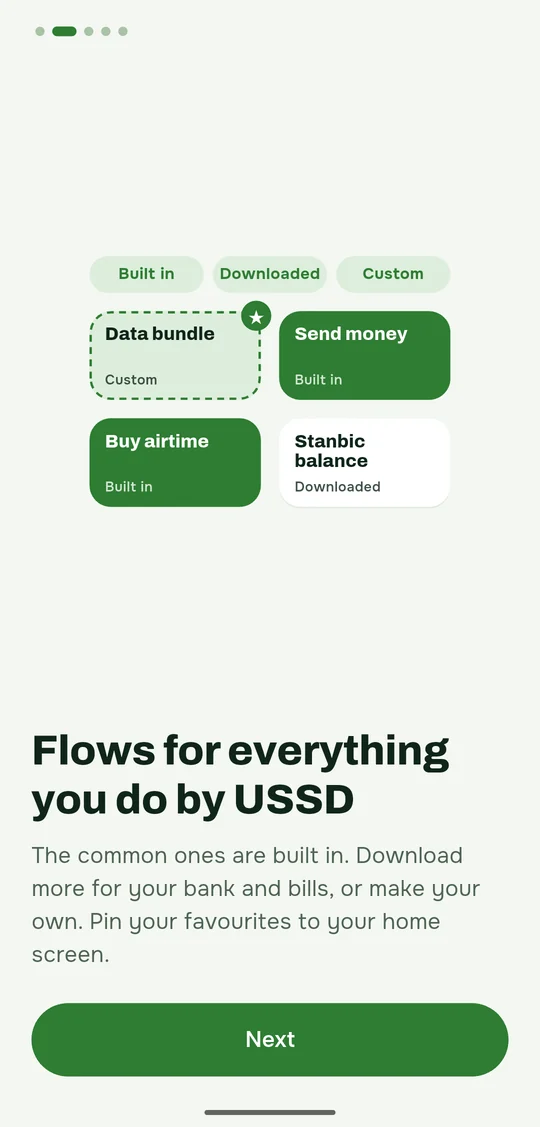
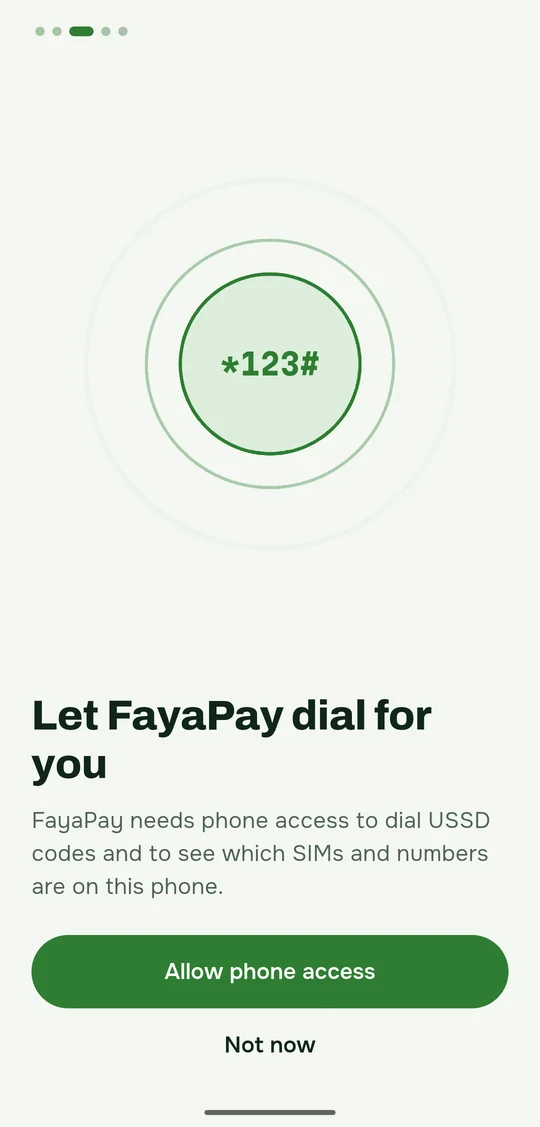
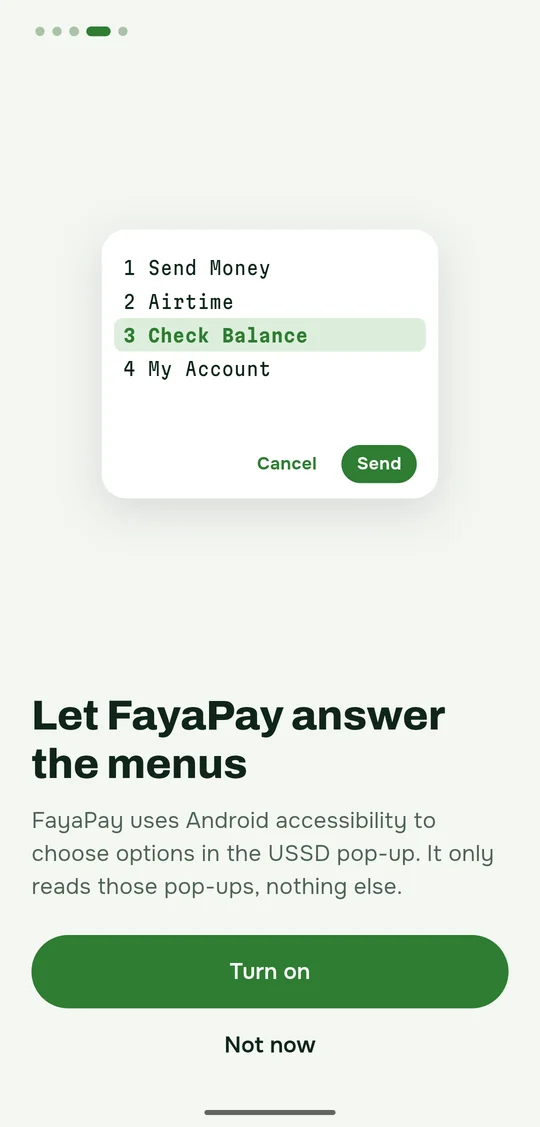
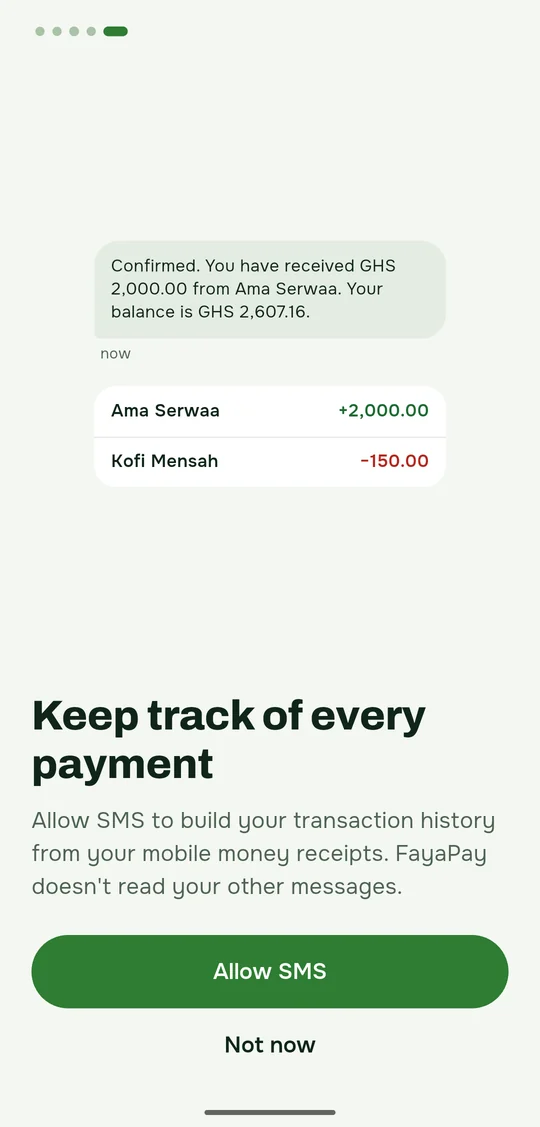
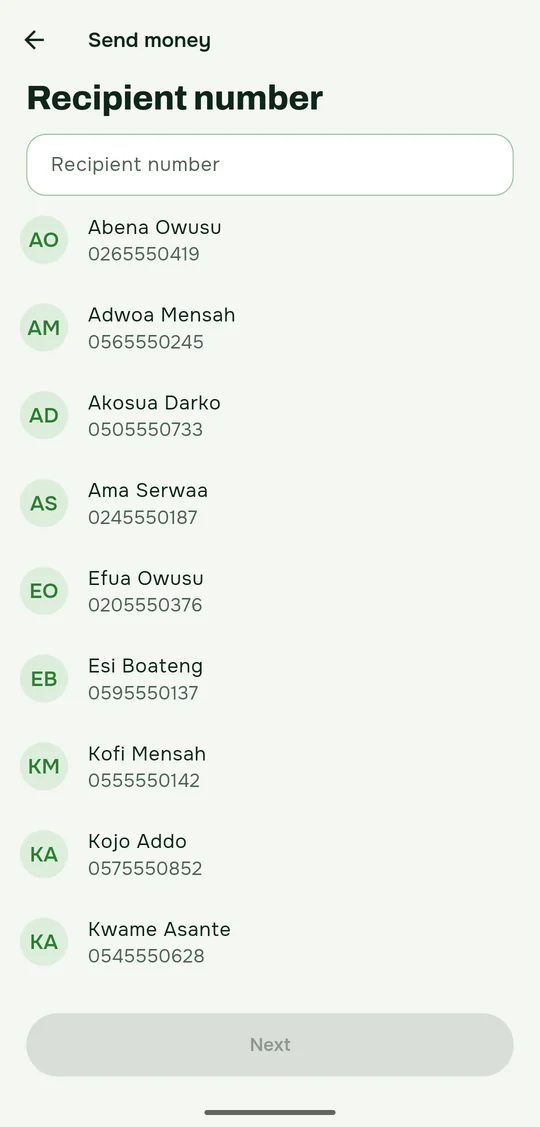
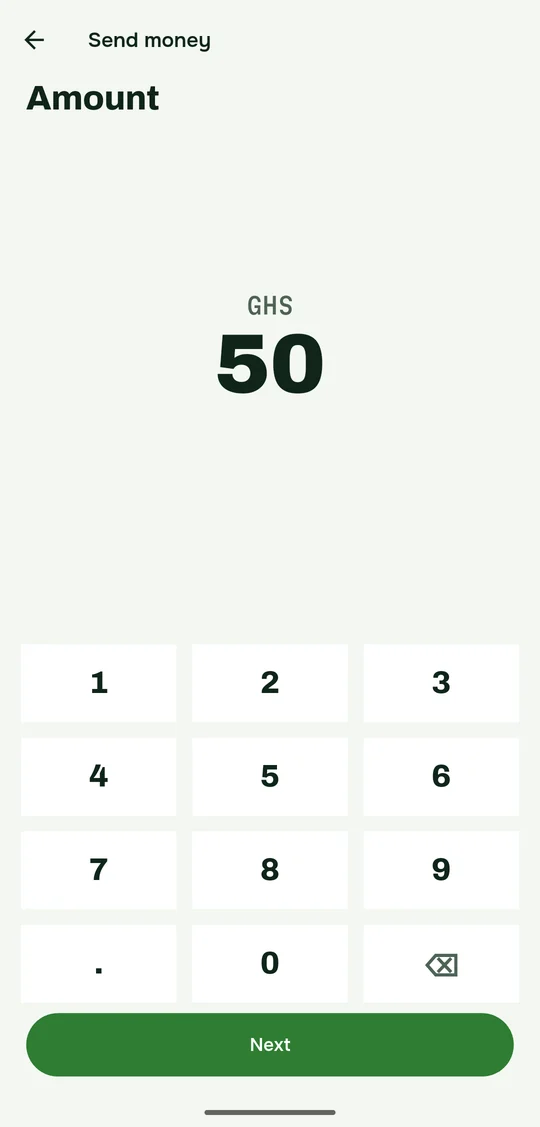
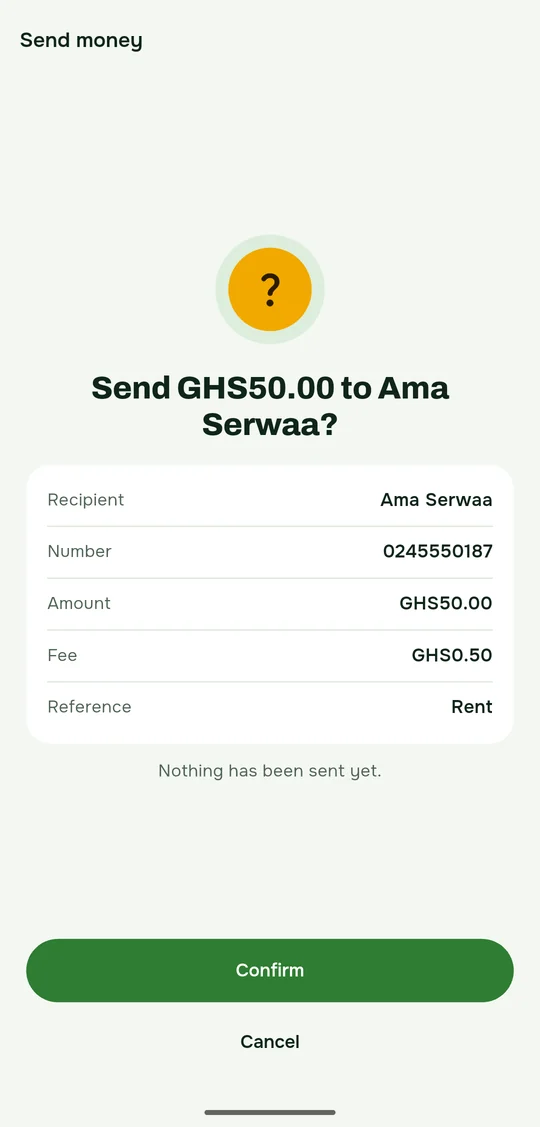
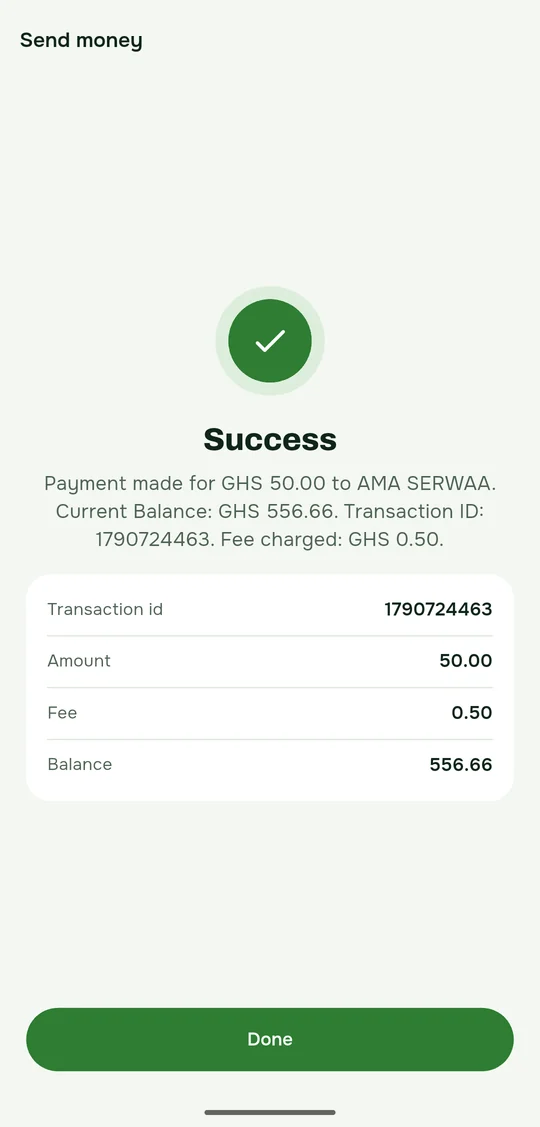
Sending money, start to finish
Pick who to pay, enter the amount and your PIN, then check the details before anything is sent.
Your money stays yours
Your PIN is never saved
You type it each time a menu asks for it. FayaPay answers the menu with it and forgets it.
Nothing personal is uploaded
Your SMS, contacts, phone numbers, payments and balances stay on your phone.
It reads only what it needs
Only your mobile money receipts, not your other messages. Only the USSD pop-ups of a flow you started, not other apps.
No ads
No advertising ID either. Crash and usage reports never contain your SMS, numbers or PIN, and you can turn them off in Settings.
Questions
Does FayaPay charge fees?
FayaPay runs the same USSD menus you would, so your network charges its usual fees and nothing more. FayaPay shows each fee in your history. USSD works without mobile data.
Why does FayaPay need Accessibility?
To read your network's USSD pop-up while a flow you started is running, choose the options and type your answers. It doesn't read other apps or anything else on your screen, and it asks before turning it on.
Why does it read my SMS?
Your network sends an SMS receipt after every payment. FayaPay reads only those receipts to build your history and show your balance, and skips every other message.
Which phones does it work on?
Android 7 and newer, with one or two SIMs from MTN, Telecel or AT in Ghana. There's no iPhone version, because iPhones don't let apps run USSD.
What if a menu changes?
FayaPay checks each menu before it answers. If one doesn't match what it expects, it stops and tells you, instead of guessing. Updated menus arrive as signed updates, at most once a day.
Get FayaPay
Download for AndroidAndroid 7 and newer
- Open the file you downloaded. If Android asks, allow your browser to install apps.
- Tap Install. Android may warn that the app didn't come from Google Play. That's expected.
- Open FayaPay and tap Get started. It explains each permission before it asks.